
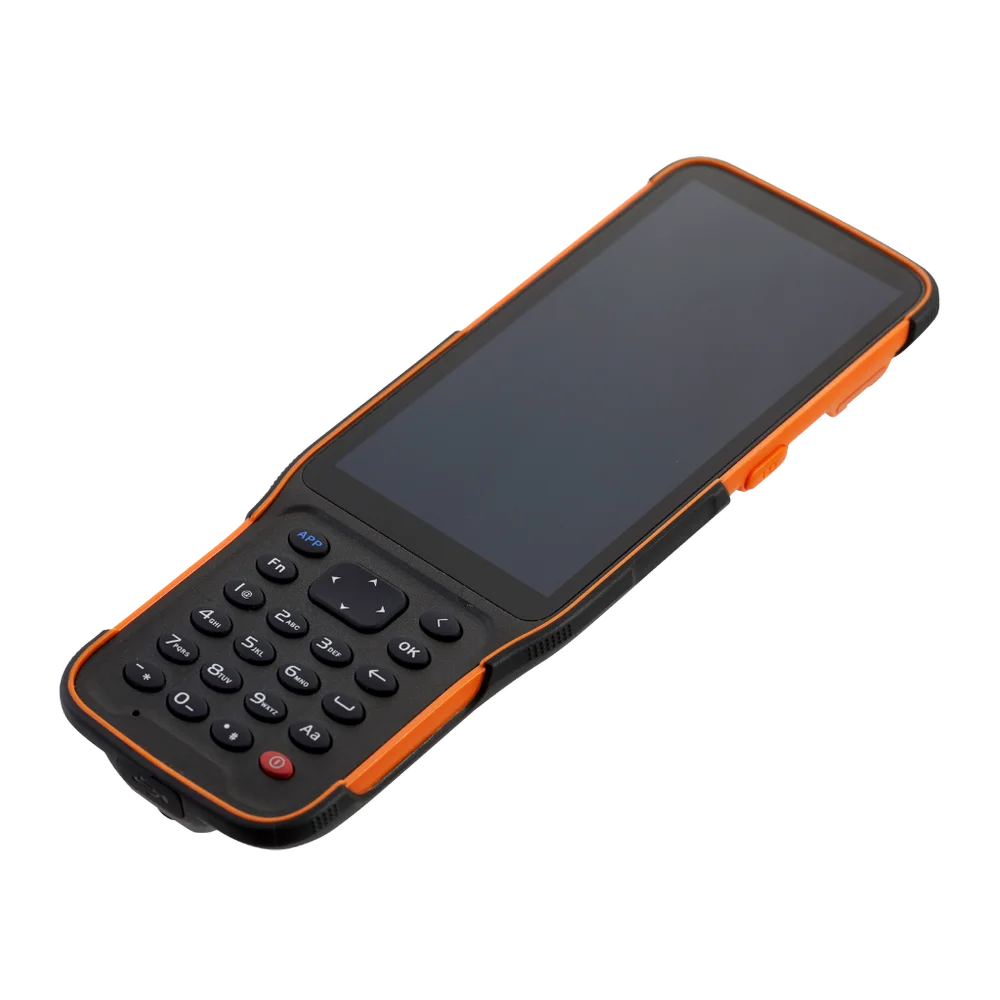
A survey handheld data controller is the brain of your project. Whether you are using a Total Station or a GNSS receiver, this rugged field computer is responsible for topographic mapping, construction layouts, and GIS data capture.
However, in the challenging environments of the UAE and GCC, hardware is pushed to its limits. This guide covers the essential setup workflow and how to fix the most common connectivity errors to prevent costly site downtime.
GNSS & Total Station Data Collector Configuration Workflow
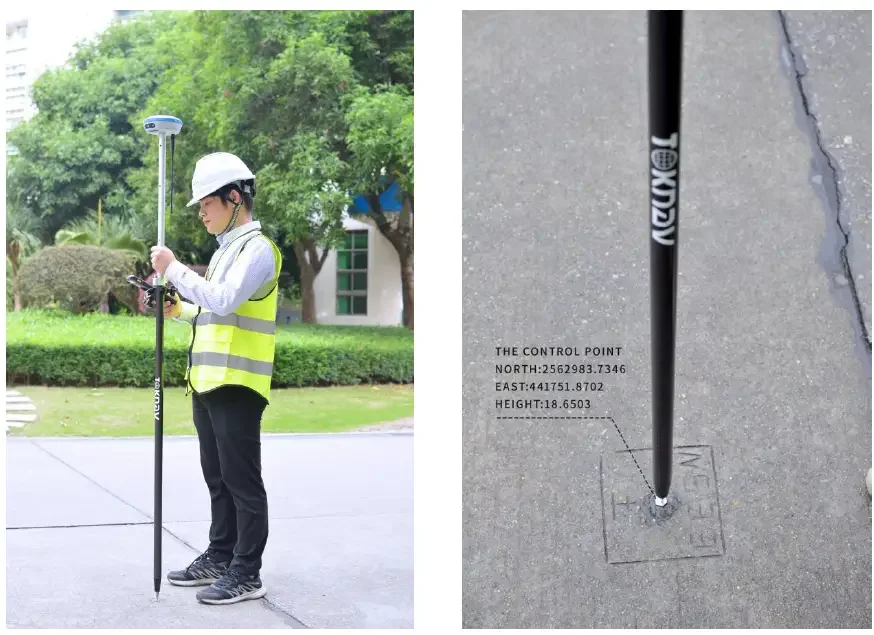
While interfaces for Leica (Captivate), Sokkia, CHCNAV, TOKNAV and SATLAB differ, the core logic for a successful setup remains the same:
- Physical Rigging: Secure your tripod and mount the instrument. Ensure all base receivers, radios, and controllers are connected via high-quality, weather-resistant cables.
- Establishing Communication: Use your software to link the controller to the instrument. In the Dubai heat, Bluetooth stability is key; ensure your firmware is updated to prevent signal drops.
- Defining Survey Styles: Configure your “Survey Styles” (RTK, Static, or Integrated). This defines your coordinate systems and communication parameters.
- Data Logging & Tolerances: Set your specific measurement preferences, including feature codes and duplicate point tolerances.
- Control Network Localization: Always localize your network using known points to eliminate cumulative errors before you begin.
5 Common Connectivity Issues & How to Fix Them (SOKKIA, Hi-Target, CHCNAV, Stonex, TOKNAV, SATLAB etc.)
1. Server Connection & Network Failures
If your controller won’t sync, it’s usually a handshake issue with the central database.
- The Fix: Check your DNS and IP settings. Ensure your firewall allows traffic through Ports 80 (HTTP) and 443 (HTTPS). In the UAE, specialized network policies can sometimes block these secure connections.
2. Intermittent Signal & Data Corruption
Weak 4G/5G or unstable Wi-Fi in remote desert sites can lead to “partial uploads”—the primary cause of corrupted survey records.
- The Fix: Ensure your controller has a high-gain antenna. If the signal is fluctuating, switch to offline logging and sync once back in a stable environment to maintain data integrity.
3. Database Access & Permission Denied
Even with a solid connection, incorrect credentials or expired tokens will stop your workflow.
- The Fix: Verify your User Roles (Read/Write/Update). Ensure the database server is active and that your login hasn’t been locked by too many failed attempts.
4. Software Crashes & Memory Leaks
Surveying software can crash due to incompatible versions or “memory leaks” when handling large 3D mapping files.
- The Fix: Clear the device cache and ensure you are running the latest software build. If crashes persist, it may be a hardware-software incompatibility that requires a professional firmware flash.
5. Formatting & Export Incompatibility
Data that looks good on the controller but fails in the office is usually a formatting error.
- The Fix: Standardize your export formats (CSV, DXF, LandXML) to match your CAD or analytics tools. Avoid legacy formats that lose metadata during transfer.
Posted by :
Technical & Service Manager
Dated : 26 Dec 2025